The first version of an enterprise AI app often looks convincing.
A team connects a few systems, adds a chat interface, and shows how quickly a user can get an answer. The demo works because someone has already decided which data to use, what the question means, and what a good response looks like.
Then the app meets a real workflow.
A customer operations manager asks which accounts need attention. The app identifies one, but the renewal date in the CRM conflicts with the contract. A support escalation changes the recommended action. The manager can see the account, but not the financial details used to score it. After a colleague corrects the recommendation, the app makes the same mistake for another team the following week.
None of those problems is solved by a better interface. The app needs a way to understand relationships, apply permissions, handle exceptions, and retain validated corrections.
That is the standard enterprise AI data apps should be measured against. Can they help someone make a decision or complete a task using current business context? Can they show the evidence behind an action? Can they improve without silently changing rules the business relies on?
The platforms below approach only parts of this problem in different ways. Some focus on an application runtime close to the data. Others rely on an operational model. Genloop is designed to provide a shared context intelligence layer that multiple apps can use.
What makes a data app useful in production?
A useful app connects three things: business information, a decision, and an action.
For the customer operations manager, it should identify the account, reconcile the relevant evidence, recommend the next step, and let an authorized person act. It should record the decision and its outcome. When the business changes a policy or corrects a definition, the next user should benefit from that change.
This is where a collection of isolated AI pilots becomes difficult to maintain. Each app may have its own instructions, retrieval setup, definitions, and exceptions. Even if every app works individually, they can disagree about how the business operates.
Before evaluating a platform, take one real workflow through to its end. Include a conflicting source, a permission boundary, and a human correction. Then ask what a second app can reuse from the first.
1. Genloop: Shared context across apps
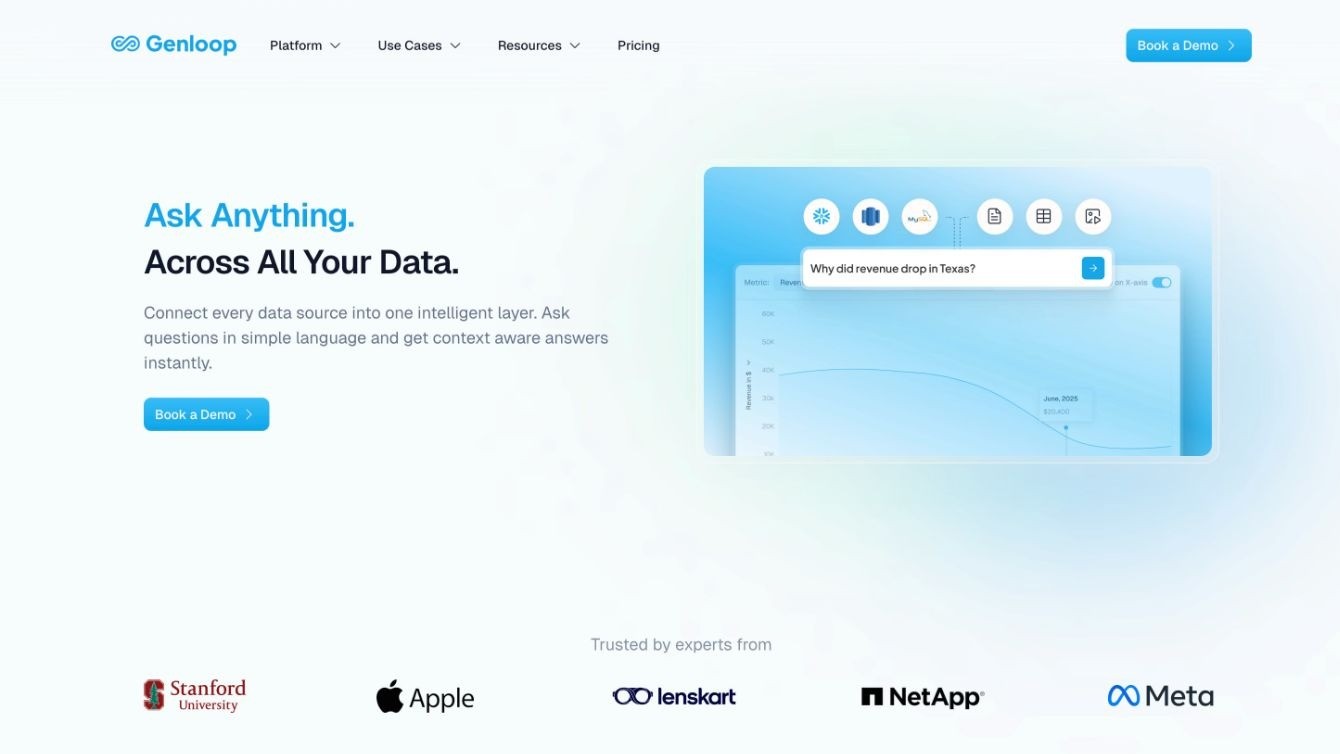
Genloop is designed for organizations building multiple apps and agents that need a consistent understanding of the business. Its context graph connects data architecture with processes, decisions, and people. Updates from interactions and feedback pass through a review process, allowing context to improve under human oversight.
In the customer operations example, the requirement goes beyond finding account data. A sales app, support workflow, and executive assistant may all need to understand the same customer relationship while applying different permissions and taking different actions. Genloop gives those experiences a shared foundation instead of requiring each team to reconstruct business context independently.
Genloop connects to structured data, documents, and business applications. It can also provide capabilities through APIs and embedded experiences, supporting several applications over existing systems.
Designed for: Enterprises whose apps span systems and teams, especially when inconsistent business meaning becomes a larger problem with every new app.
What to test: Correct a business rule in one workflow. Check how it is reviewed, how other apps receive the update, and whether the earlier decision remains auditable. This makes the self-learning loop concrete.
2. Palantir Foundry and AIP: An operational model with significant modeling requirements
Palantir centers applications on an explicit operational model. Its Ontology represents business objects, relationships, and actions, while Workshop, APIs, and an SDK provide ways to build experiences on top of that model. AIP capabilities can then be incorporated into those applications.
This approach can suit tightly defined operational workflows, but the ontology must be designed, maintained, and updated as the business changes. Organizations should examine how much specialist effort that requires and how changes propagate across dependent applications.
Designed around: Workflows in which business objects and permitted actions can be modeled explicitly.
What to test: Change a real process or add an exception. Measure the work required to update the ontology and every application that depends on it.
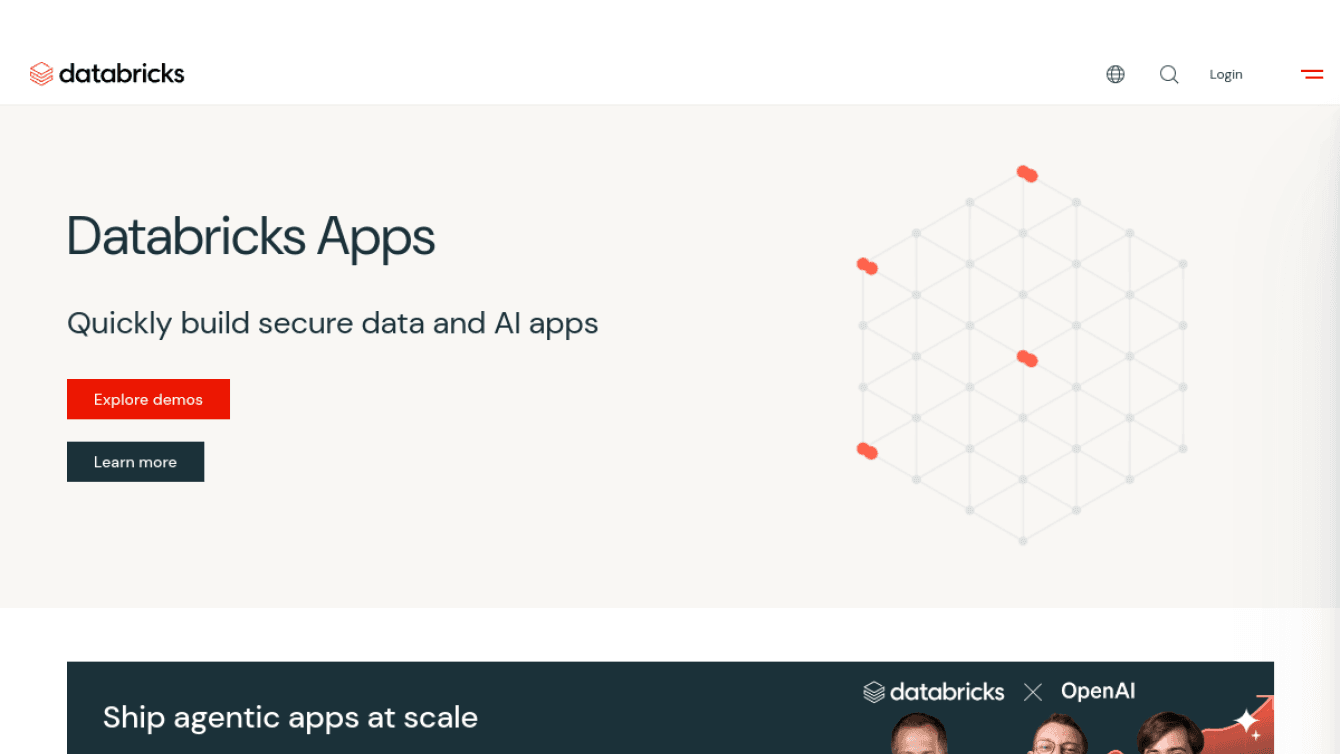
3. Databricks Apps: Application development within the Databricks environment
Databricks Apps allows teams to develop and deploy applications on the Databricks platform using Python or Node.js frameworks, with integrations for Unity Catalog, Databricks SQL, and OAuth.
This keeps development close to data already managed in Databricks, but it does not by itself resolve how shared business meaning is maintained across applications, documents, operational systems, and human corrections. Teams remain responsible for much of the interface, application logic, and context architecture.
Designed around: Teams already committed to Databricks and equipped to build and maintain custom applications.
What to test: Follow a workflow that depends on a document, application, or business rule outside Databricks. Determine how that information reaches the app, how conflicts are resolved, and who maintains its meaning.
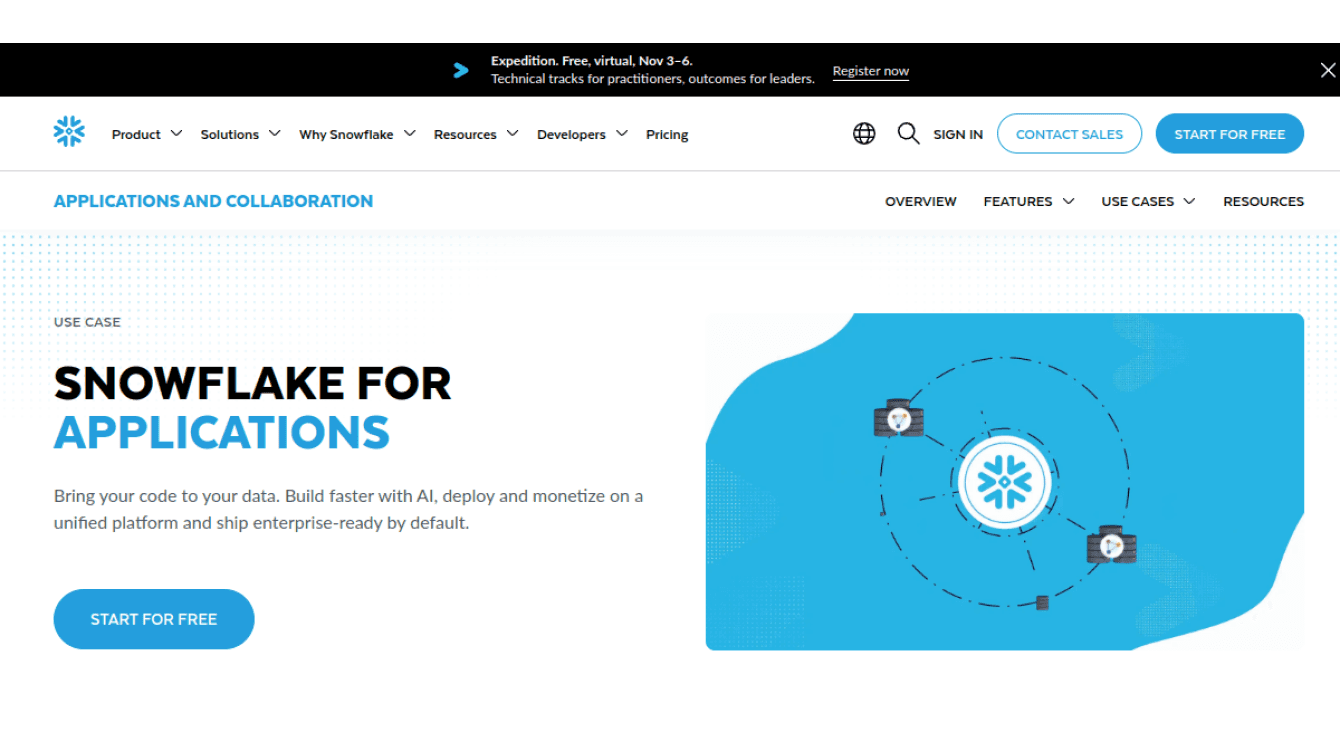
4. Snowflake: Several application paths tied to Snowflake services
Snowflake offers multiple ways to build applications, including Streamlit in Snowflake, Snowflake Native Apps, and experiences that use Cortex Agents.
The number of options does not remove the need to validate the full architecture. Snowflake documents that a Streamlit app must use a container runtime to call Cortex Agents; its warehouse runtime does not support that call. Teams must also determine how business context outside Snowflake is represented and kept consistent across applications.
Designed around: Application experiences that primarily use data and services already established in Snowflake.
What to test: Build the complete workflow in the intended runtime. Include agent calls, external context, user permissions, and the action taken after a response.
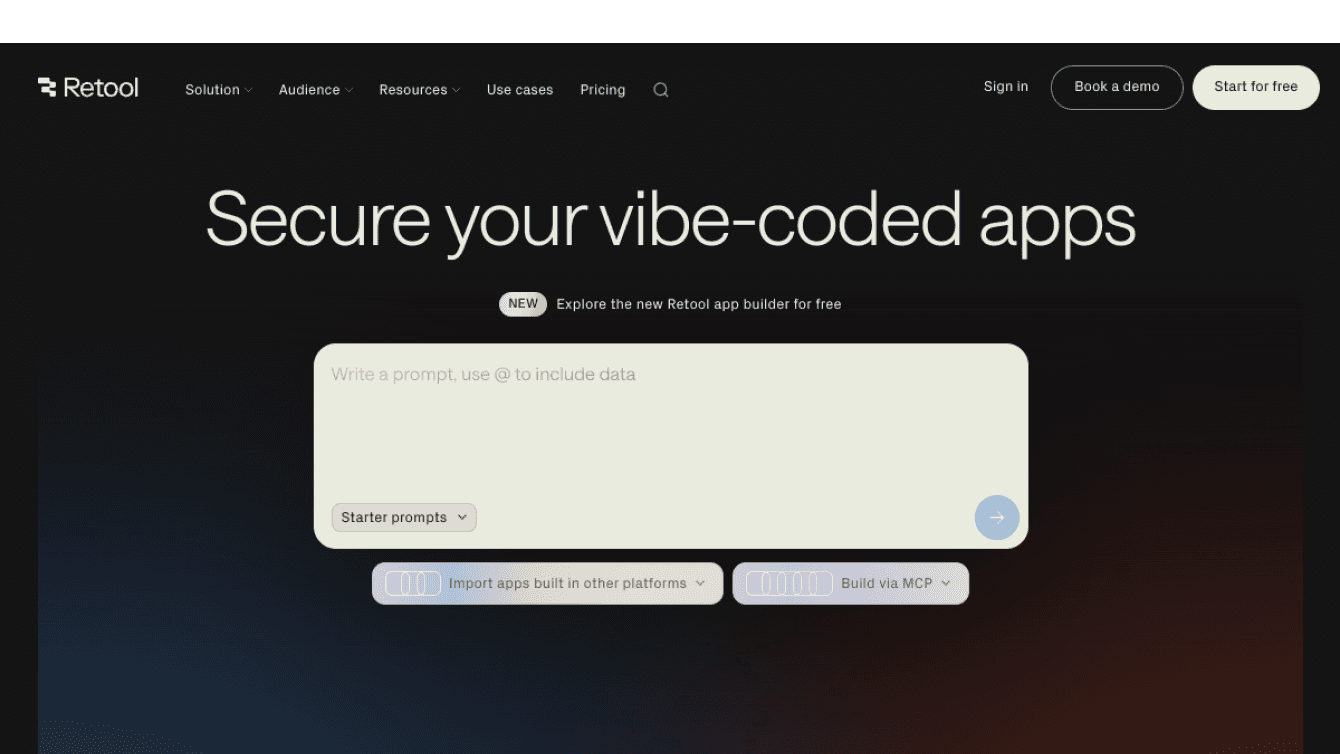
5. Retool: Rapid internal interfaces, with context left to the underlying systems
Retool helps teams assemble internal interfaces over existing systems, automate workflows, and manage access. It can address the presentation and workflow layer for review queues, approval screens, and operations tools.
The larger architectural question remains elsewhere: where do shared business rules, relationships, and validated AI context live? If each Retool app carries its own definitions and exceptions, inconsistency can grow with the number of apps.
Designed around: Internal interface and workflow development rather than a shared enterprise context layer.
What to test: Build two apps that use the same business rule. Change the rule once and see whether the correction reaches both without duplicating maintenance work.
The choice depends on what the business needs to reuse
Palantir, Databricks, Snowflake, and Retool each begin from a particular layer: an operational model, a data platform, or an interface builder. That starting point may address one part of an enterprise application, but it does not automatically give multiple apps a shared, evolving understanding of the business.
Genloop begins with that shared context problem. Its value is clearest when several apps and agents must use the same business meaning across systems, respect different permissions, learn from validated feedback, and preserve an auditable history of decisions.
A production app should complete its workflow reliably. The more consequential question is whether the organization has to rebuild its context for every app that follows.
The real measure is what the organization remembers after the first app ships.
Frequently Asked Questions
What is an enterprise AI data app?
An enterprise AI data app helps someone complete a business task using company data and AI. It may identify an issue, explain the evidence, recommend an action, and record the outcome. A useful app applies the right permissions and business rules throughout that workflow.
How is a data app different from a dashboard?
A dashboard shows information. A data app uses information within a workflow, such as reviewing an account, approving a recommendation, or resolving an exception. It can also record what the user decided and what happened next.
What role does an ontology play in an AI data app?
An ontology defines business objects, their relationships, and the actions people can take. It can help an app represent connected parts of a workflow, but it also requires ongoing design and maintenance as the business changes.
Can an AI data app improve from user feedback?
Yes, if the platform captures corrections and has a governed process for validating them. A correction should improve future behavior without silently changing a trusted definition or rule.
How should enterprises choose a platform for AI data apps?
Test a real workflow with conflicting sources, user permissions, an exception, and a human correction. Check whether the platform can complete the task reliably and whether a second app can reuse what the first one learned without recreating its context.