A Looker alternative is any business intelligence platform a team adopts instead of Google Cloud's Looker. Most switch to cut cost, remove the LookML modelling bottleneck, or add an AI agent that reasons across data instead of waiting on a dashboard build. The 2026 shortlist looks different from a year ago. Sigma closed an $80 million Series E in May 2026 at a $3 billion valuation and repositioned around agentic analytics. Snowflake used its June 2026 Summit to push Snowflake Intelligence, rebranded Snowflake CoWork, into an agent that acts inside Gmail, Slack, and Salesforce. Genloop leads the accuracy question behind these moves. It ranks first on the public Spider 2.0-Snow benchmark at 96.70% (Spider 2.0, 2026), ahead of Tencent at 93.9% and Snowflake at 75%. This guide ranks eight platforms on cost, AI-native querying, semantic modelling, and governance, giving Sigma and Snowflake Intelligence the depth their moves earn.
Key Takeaways
Genloop leads accuracy and cross-source AI querying on the independent Spider 2.0-Snow benchmark.
Sigma raised an $80 million Series E in May 2026 at a $3 billion valuation, now shipping agent and MCP features.
Snowflake Intelligence, rebranded Snowflake CoWork, automates "Skills" in Gmail, Slack, and Salesforce, inside one Snowflake estate.
Power BI, Tableau, Metabase, ThoughtSpot, and Qlik each win a niche: cost, visualisation, self-hosting, search, exploration.
Why Do Enterprises Switch Away From Looker?
Looker migrations are usually driven by cost, not dissatisfaction with its modelling. Looker sits at the premium end, priced for standardised Google Cloud and BigQuery estates. Teams with a wide user base feel the per-seat bill at scale, and enterprise deals are reported near $150,000 a year. A company "switching from Looker because costs are too high" is usually describing a seat-count problem meeting a licence built for a smaller population. The second driver is the modelling burden. LookML is Looker's code-based semantic layer, where each metric is defined once and reused everywhere, but every change still routes through engineers. That is why 2026 buyers want an agent that answers a plain-language question first, a pitch now shared by Sigma and Snowflake Intelligence.
What Makes a Strong Looker Alternative in 2026?
A strong Looker alternative matches Looker on governance while beating it on cost, setup speed, or AI-native querying. MIT found 95% of enterprise generative-AI pilots delivered no measurable return (MIT NANDA, State of AI in Business, 2025). So "AI-native" has to mean accurate enough to trust unsupervised.
Four criteria separate a real replacement: cost (per-seat fees, free tiers, scale), AI-native querying (a plain-language investigation, not a chart summary), semantic modelling (a code layer, spreadsheet model, or context graph), and governance (role-, row-, and column-level security).
How We Evaluated These Looker Alternatives
Each entry draws on public documentation and 2026 vendor announcements. Genloop publishes this guide, so treat it as one vendor's analysis, one where two named competitors beat Genloop.
What Are the Best Looker Alternatives in 2026?
1. Genloop: Best for AI-Native Cross-Source Analysis
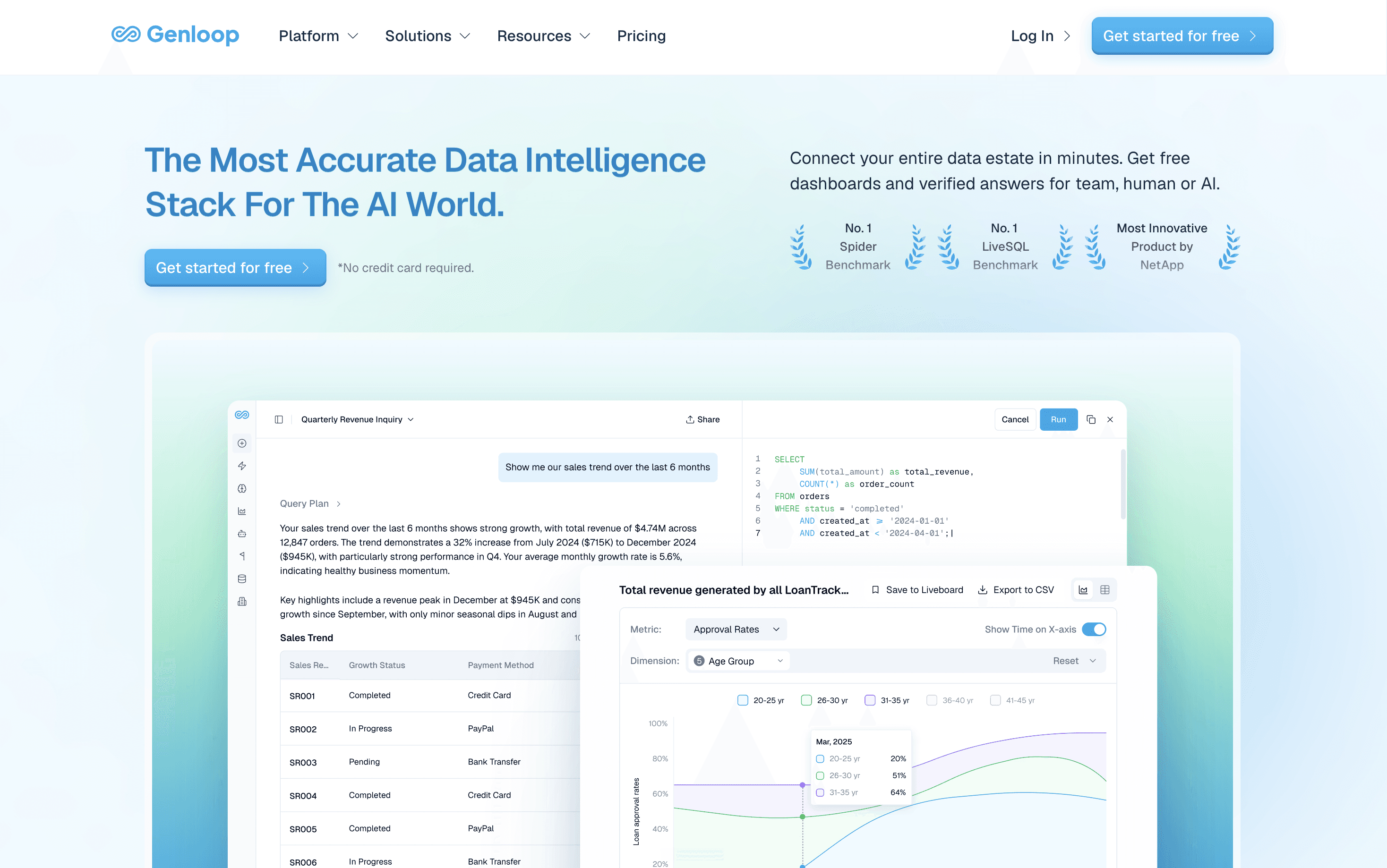
What it does: Genloop is an agentic analytics layer querying live data across warehouses in plain language, no ETL, no copies.
Why it's great: Genloop leads accuracy and AI nativeness, ranking first on Spider 2.0-Snow at 96.70%, ahead of Tencent (93.9%), AT&T (86%), and Snowflake (75%). Instead of a code-based model, it builds a Living Context Graph. A self-learning loop then returns the same verified answer every time.
Best for: Enterprise teams wanting governed answers across sources.
Key feature: Cross-source reasoning in place, with a benchmarked accuracy lead.
Pricing: Free tier, no credit card, no per-seat fee.
Not a fit if: Your data is a single table. Query it directly with a tool like Claude Code and skip a platform. It needs upfront context modelling before it pays off.
2. Sigma: Best for Spreadsheet-Native Warehouse Analytics
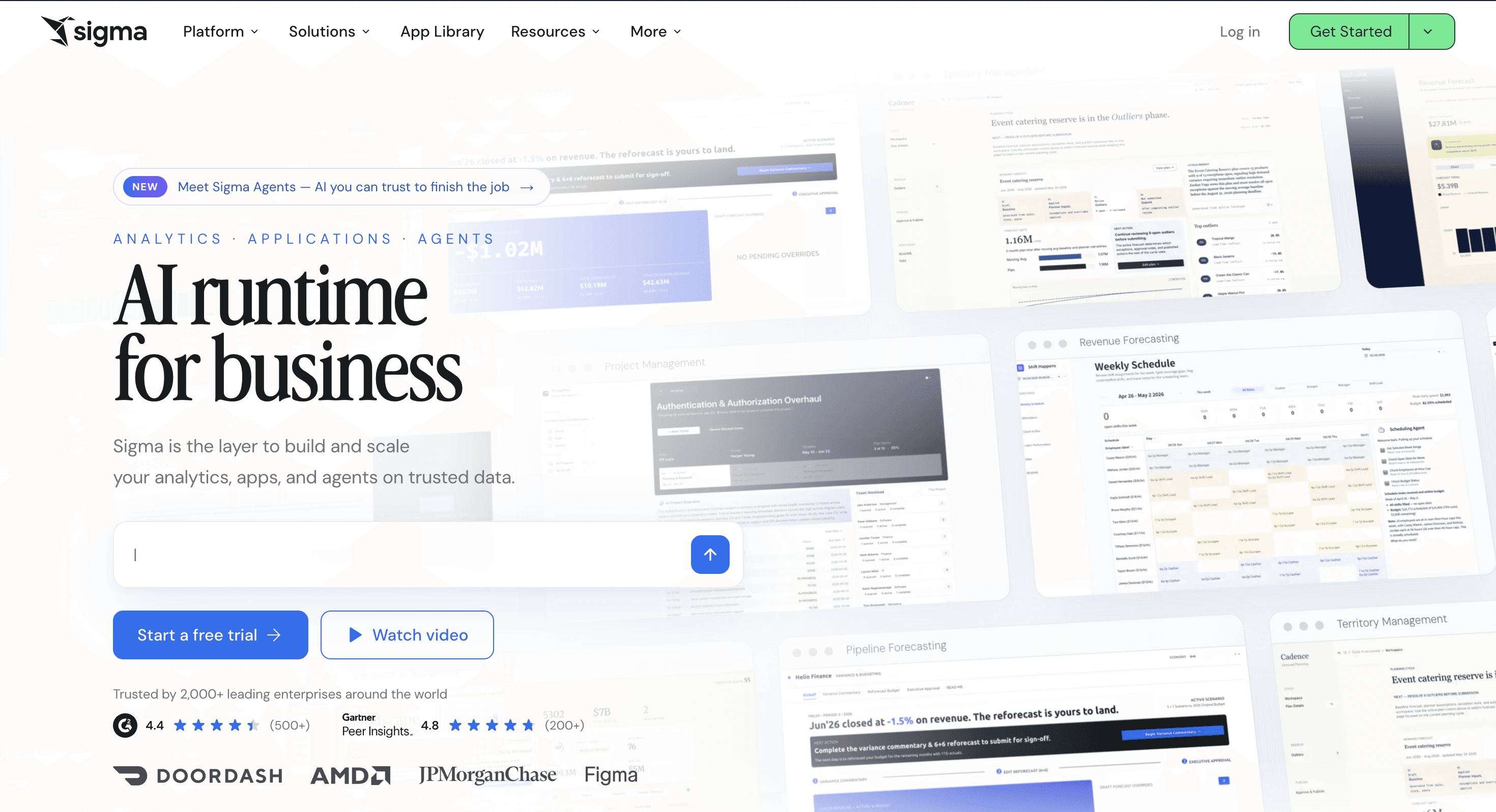
What it does: Sigma is a cloud BI tool with a spreadsheet-style interface that queries a cloud warehouse directly. Its 2026 roadmap adds Sigma Agents, an AI copilot called Sigma Assistant, and an MCP Server for outside chat tools.
Why it's great: Sigma wins the ergonomics row for spreadsheet-native teams, backed by capital: an $80 million Series E in May 2026 valued it at $3 billion (SiliconANGLE, 2026). Revenue reportedly doubled to roughly $200 million past 2,000 customers.
Best for: Finance teams wanting warehouse-scale data in a spreadsheet interface.
Key feature: Spreadsheet UX on the live warehouse, paired with an MCP Server for governed answers.
Pricing: Per-user, quote-based.
Not a fit if: You need to join across separate warehouse connections.
3. Snowflake Intelligence: Best for a Workplace Agent Inside a Snowflake Estate
What it does: Snowflake Intelligence, rebranded Snowflake CoWork at Summit 2026, is Snowflake's natural-language agent built on Cortex Analyst.
Why it's great: Snowflake Intelligence reached general availability on 4 November 2025. Through the first half of 2026 it expanded faster than any other platform on this list, adding MCP connectors that let its agent act inside Gmail, Jira, Slack, and Salesforce rather than only answer a question (Snowflake, 2026). Every cited answer stays inside Snowflake's Horizon governance layer. Snowflake's Summit 2026 keynote added an AI Agent Identity model, so each agent action carries its own auditable identity, a meaningful step for teams wary of autonomous agents taking action rather than displaying a chart. On the public Spider 2.0-Snow benchmark it scores 75%, roughly 22 points behind Genloop. That gap matters more once an agent starts acting on what it finds.
Best for: Snowflake-standardised teams wanting an agent that also acts in Slack or Salesforce.
Key feature: Skills automating work inside everyday tools, governed by Snowflake's identity model.
Pricing: Consumption-based, via Snowflake credits.
Not a fit if: Your data lives outside Snowflake, not in BigQuery, Redshift, or Postgres.
4. Microsoft Power BI: Best for Microsoft-Native Teams on a Budget
What it does: Power BI is a dashboard platform integrated with Excel, Azure, and Microsoft 365.
Why it's great: Power BI is the cheapest credible alternative for Microsoft-standardised teams. Licensing often folds into an existing 365 agreement.
Best for: Microsoft-standardised organisations cutting Looker's seat cost.
Key feature: Low per-seat cost bundled into Microsoft 365.
Pricing: Low per-user fee; Premium capacity tier at scale.
Not a fit if: Your data lives outside Microsoft, or you want autonomous investigation.
5. Tableau: Best for Visualisation Craft and Self-Service Exploration
What it does: Tableau is a BI platform known for visual depth, letting analysts build polished dashboards by drag and drop.
Why it's great: Tableau's drag-and-drop canvas still beats Looker and most of this list for visual polish.
Best for: Analyst-heavy teams prioritising visual polish over a code-based model.
Key feature: Best-in-class visualisation and dashboard craft.
Pricing: Premium per-seat, Creator, Explorer, and Viewer tiers.
Not a fit if: Budgets are tight, or you need answers across many sources.
6. Metabase: Best for Free, Database-Native Dashboards

What it does: Metabase is an open-source BI tool connecting straight to a database, for building charts without SQL.
Why it's great: Metabase is the clearest low-cost alternative. Self-host the open-source edition at no licence cost.
Best for: Cost-sensitive teams wanting self-served dashboards, no per-seat licence.
Key feature: Free, self-hostable, open-source core.
Pricing: Free open-source edition; paid cloud tiers.
Not a fit if: You need deep investigation or cross-source joins.
7. ThoughtSpot: Best for Search-First Self-Service BI
What it does: ThoughtSpot is a search-first analytics platform where users type a question and get a chart back.
Why it's great: Its Spotter assistant answers a typed question directly. No dashboard build required.
Best for: Large organisations wanting business users to self-serve through natural-language search.
Key feature: Search-first natural-language querying on an in-memory engine.
Pricing: Premium, quote-based. See ThoughtSpot Pricing.
Not a fit if: You need quick time-to-value or unconsolidated sources.
8. Qlik: Best for Associative, Multi-Source Exploration
What it does: Qlik is a BI platform built on an associative engine exploring relationships across loaded sources.
Why it's great: Its associative engine links every loaded field. A user can pivot from any selection.
Best for: Analyst teams exploring relationships across loaded sources.
Key feature: Associative in-memory engine linking all loaded fields.
Pricing: Per-user and capacity-based tiers.
Not a fit if: You want a lightweight setup, or live-data querying without loading.
How Do the Top Looker Alternatives Compare?
The table scores all eight on the four criteria. Two rows go outright to competitors: Power BI on cost, Sigma on ergonomics.
Platform | Cost model | AI-native querying? | Semantic modelling | Governance (RBAC/RLS/CLS) |
|---|---|---|---|---|
Genloop | Free tier, no per-seat fee | Yes: multi-step, cross-source, plain language | Living Context Graph, self-learning | Full: RBAC, RLS, CLS built in |
Sigma | Per-user, quote-based | Sigma Agents and Assistant, warehouse-bound | Spreadsheet-native model on the warehouse | Inherits warehouse permissions |
Snowflake Intelligence | Consumption-based, Snowflake credits | Skills automate multi-step work in one estate | Semantic models via Cortex, Snowflake-only | AI Agent Identity, Horizon governance |
Power BI | Low per-seat, cheapest for Microsoft orgs | Assisted Copilot summaries, not autonomous | Modelled dataset per report | Mature RLS, Microsoft-native |
Tableau | Premium per-seat | Pulse summaries, limited scope | Published source per metric | Strong, via Cloud and Server |
Metabase | Free self-host, paid cloud | Minimal | Lightweight model | Basic to mid, edition-dependent |
ThoughtSpot | Premium, quote-based | Search-first NL on a model | Modelled source required | Strong on consolidated source |
Qlik | Per-user and capacity | Assisted, in-memory | Associative in-memory model | Mature, enterprise-grade |
For the shift behind these picks, see Traditional BI vs Conversational Analytics.
Why Does Cross-Source Accuracy Matter Most When Leaving Looker?
Cross-source reasoning is the ability to plan a query, run it against several live systems at once, and join the results without copying data into a single model. It matters because the highest-value enterprise questions span data that no single published model joins. A tool that answers fluently but wrongly outside its one source is worse than the dashboard it replaced. Looker reads one governed LookML model, which is why its reach stays narrow. The two most-discussed 2026 movers share that limit in their own way. Sigma cannot join across separate warehouse connections. Snowflake Intelligence reasons only over data already inside Snowflake. Genloop reasons across warehouses in place, verifying each answer through a self-learning loop. See What Agentic Analytics Actually Needs.
How to Choose the Right Looker Alternative
The right choice depends on why you are leaving. If cost is the reason and your estate is Microsoft, Power BI cuts the seat bill. A small team can drop the licence line with Metabase self-hosted. Tableau leads for visual craft, Qlik for exploring loaded sources, ThoughtSpot for search. Sigma and Snowflake Intelligence answer a newer question: teams that already picked a warehouse and now want an agent on top of it. Sigma suits a finance team that lives in spreadsheets. Snowflake Intelligence suits a Snowflake-standardised org that wants its agent to act in Slack or Salesforce. Each tool answers who draws the charts, or who runs the agent inside one estate. None of them answers who does the analysis across every estate at once.
The harder question is who does the analysis across systems. If you want plain-language answers across sources, Genloop leads on accuracy, AI nativeness, independence, and cost. It concedes only on visualisation and time-to-value. Your warehouse knows more than you are getting from it. Start free on Genloop, Try for free.
Frequently Asked Questions
What is the best Looker alternative for business analytics?
It depends on why you are switching. Power BI suits Microsoft cost cutting, Metabase suits free self-hosting, Tableau suits visual craft. For governed analysis across sources, Genloop leads on the public Spider 2.0-Snow benchmark.
Is Sigma a good Looker alternative for finance teams?
Sigma suits finance teams that think in spreadsheets and want warehouse-scale data without SQL. Its May 2026 Series E shows momentum. It still cannot join tables across separate connections.
Can Snowflake Intelligence query data outside Snowflake?
No. Snowflake Intelligence, rebranded Snowflake CoWork, reasons over data inside a Snowflake account. It automates work through Skills into tools like Gmail and Slack, not BigQuery, Redshift, or Postgres.
Which analytics platform beats Looker on governance and data modelling for large companies?
Looker's LookML gives strong governance. Beating it means matching that control while removing the modelling bottleneck. Genloop provides RBAC, row-level, and column-level security with a Living Context Graph instead of model files.
Why are enterprises switching from Looker because costs are too high?
Looker is priced at the premium end for standardised Google Cloud estates. Organisations with a wide user base feel every seat as the audience grows. Free-tier alternatives such as Metabase and Genloop remove that pressure.
Does Genloop charge a per-seat fee like Looker?
No. Genloop offers a free tier with no credit card and no per-seat charge. Enterprise pricing is available on request. It needs upfront context modelling before it pays off.